Unlock, scroll, squint, tap. OTPeek puts your codes one glance away — without giving up an inch of security.
⚡️
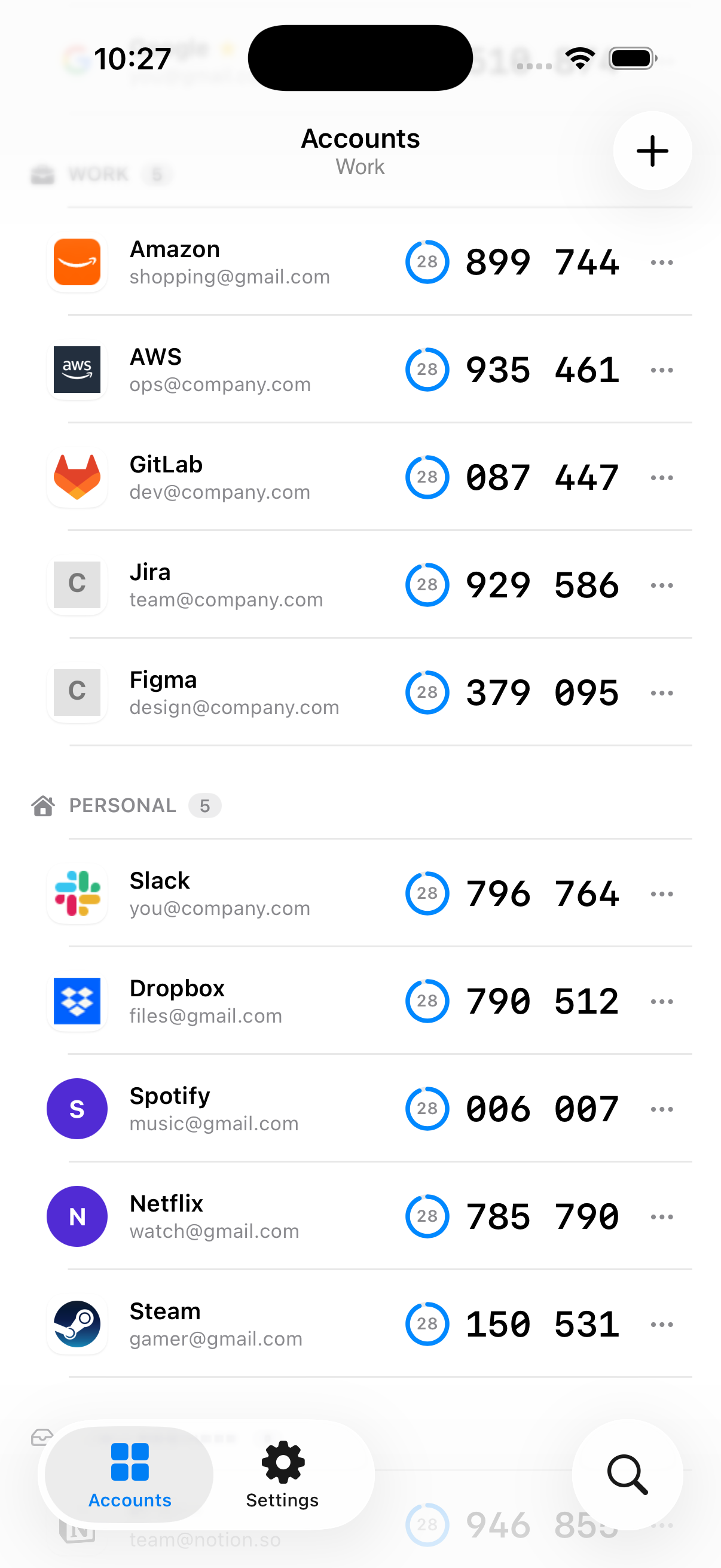
Codes at a glance
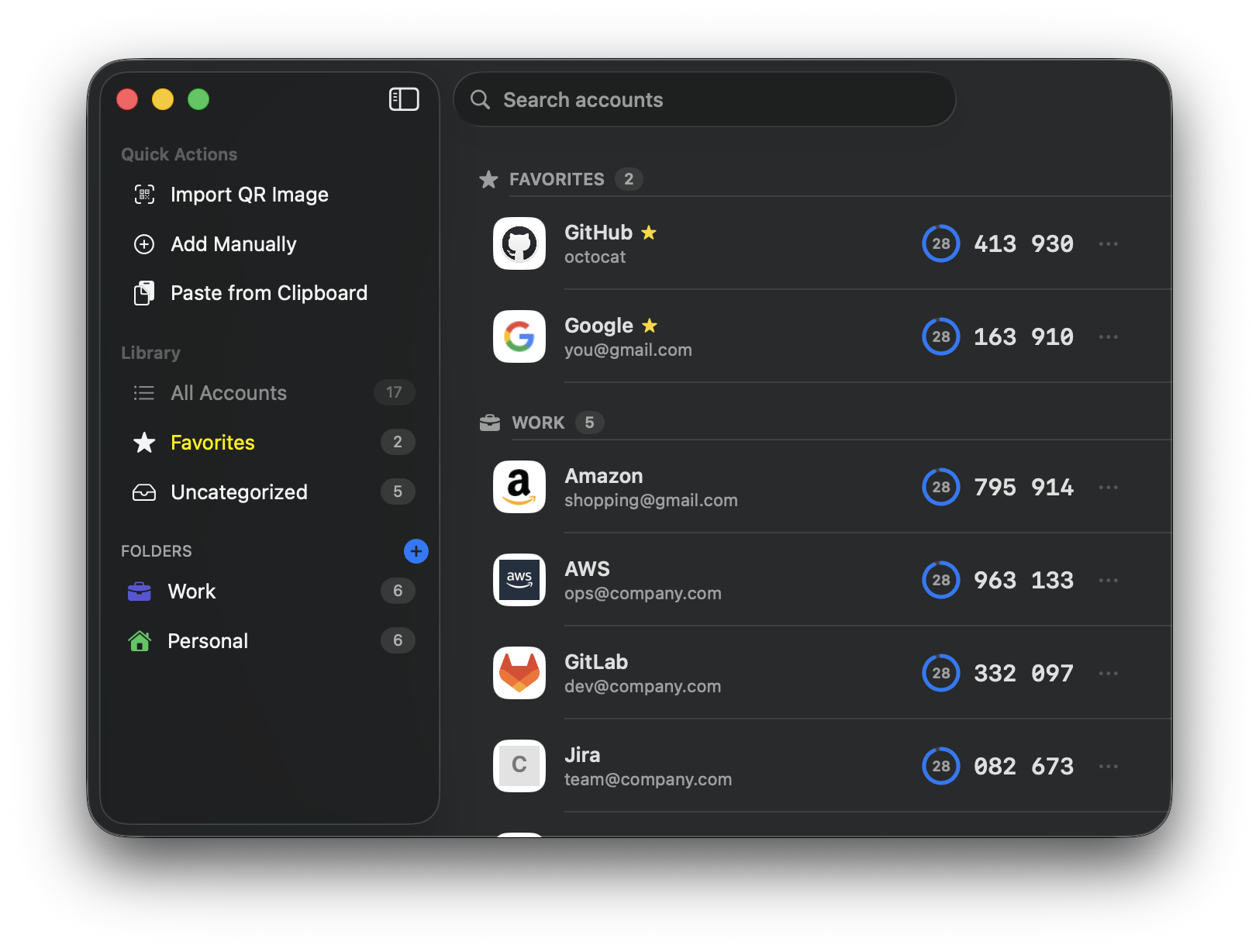
Home-screen and desktop widgets show live codes with a countdown — you rarely open the app at all.
📋
One-tap copy
Tap a code anywhere — the list, a widget, the menu bar, the system tray — and it's on your clipboard.
🔐
Encrypted vault
Secrets live in an AES-256-GCM vault behind your master password (Argon2id). Face ID / Touch ID lock built in.
☁️
Private sync
iCloud sync between iPhone and Mac moves only the encrypted vault — codes never leave your device in the clear.
🗂
Tidy at any size
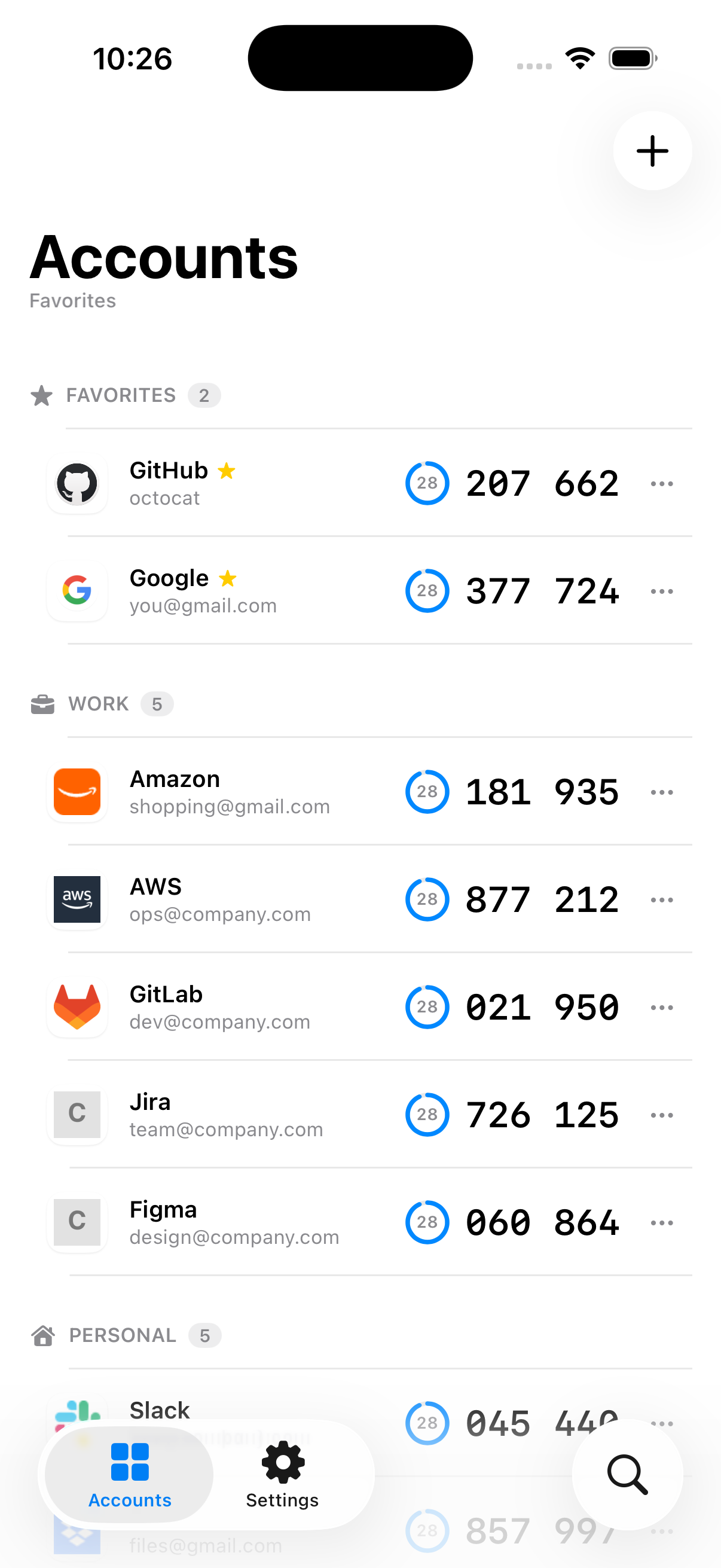
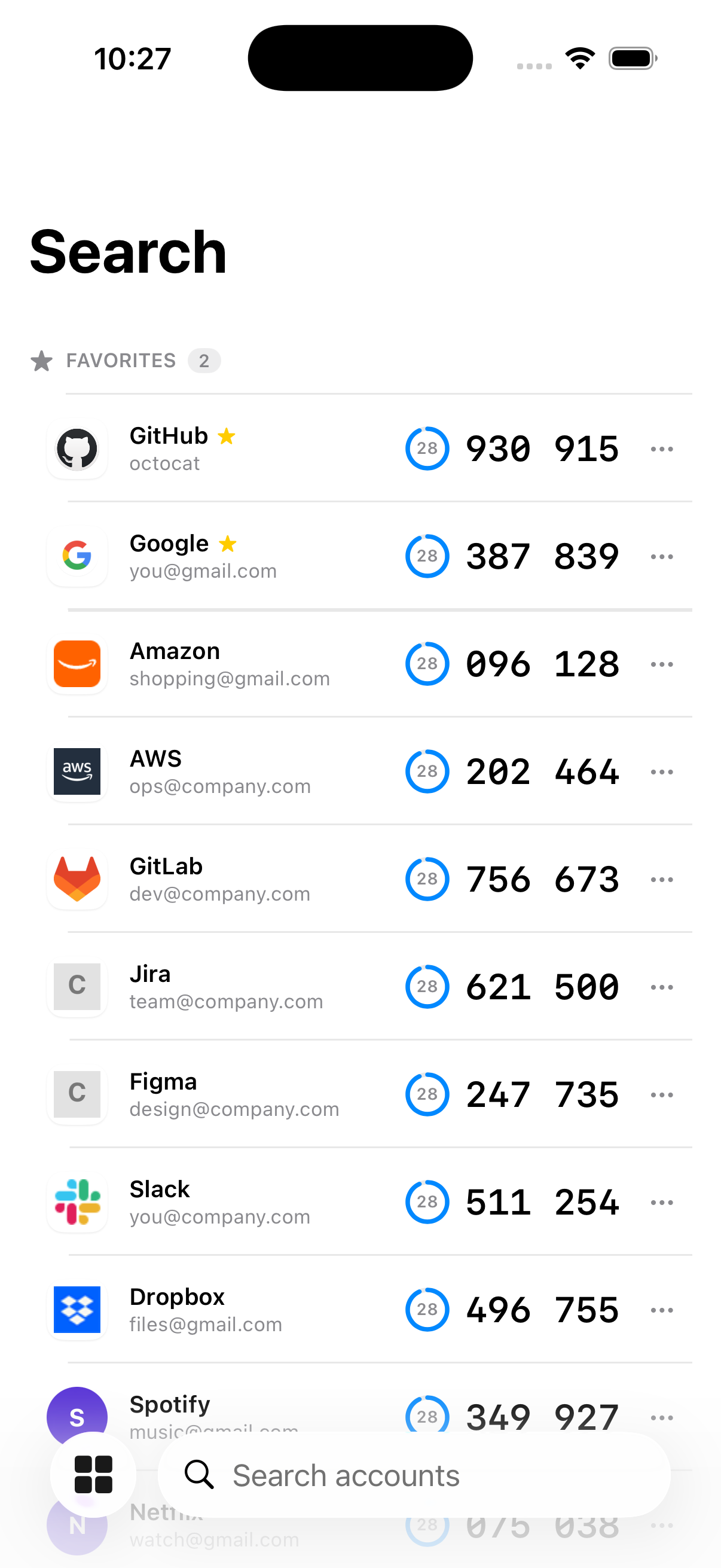
Familiar service logos, folders, favorites, and instant search keep even a large collection easy to scan.
🦀
One Rust core
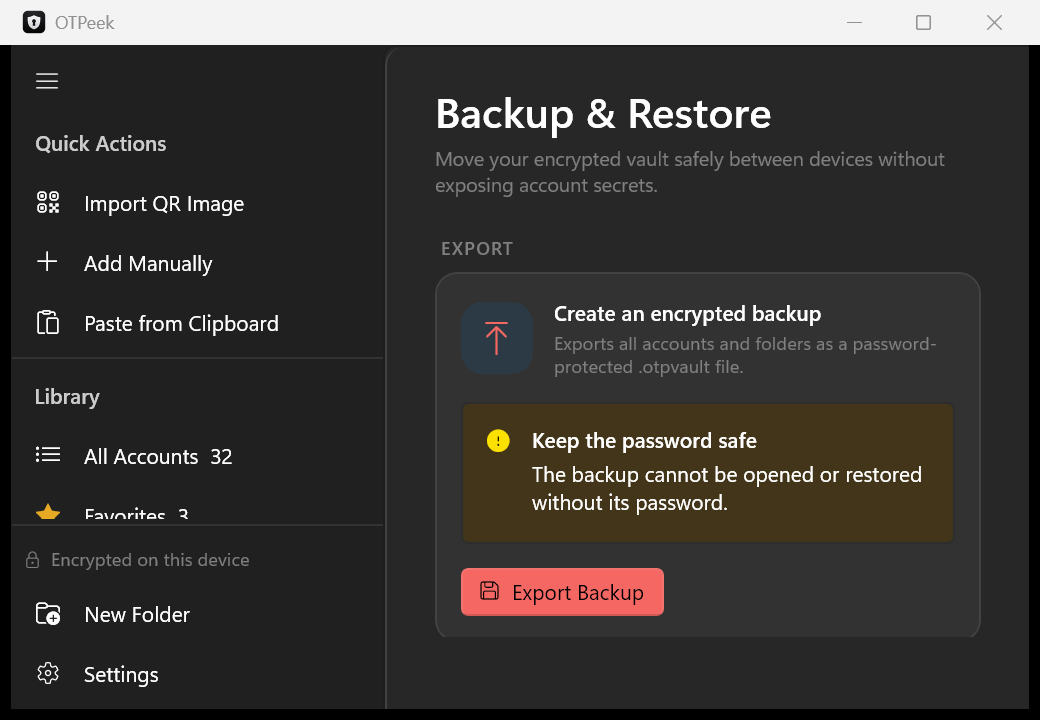
iOS, macOS, and Windows share the same audited Rust engine — identical crypto and backup format, fully open source.
 OTPeek
 OTPeek